Add-ons let you expand your ArtPlacer subscription with extra capacity or features. This article walks you through how to purchase an add-on, where to manage it after purchase, and how to cancel it if you no longer need it.
If you're not familiar with what add-ons are yet, we recommend starting with What Are Add-ons.
TABLE OF CONTENTS
- How to purchase an add-on
- Steps to complete the purchase
- Where to see your active add-ons
- How to cancel an add-on
- Can I purchase the same add-on more than once
How to purchase an add-on
Add-ons are offered when you reach a limit or try to use a feature that isn't included in your current plan. When that happens, a window will pop up on your screen with the option to add it to your subscription.
- Widgets add-on (Standard and Plus plans)
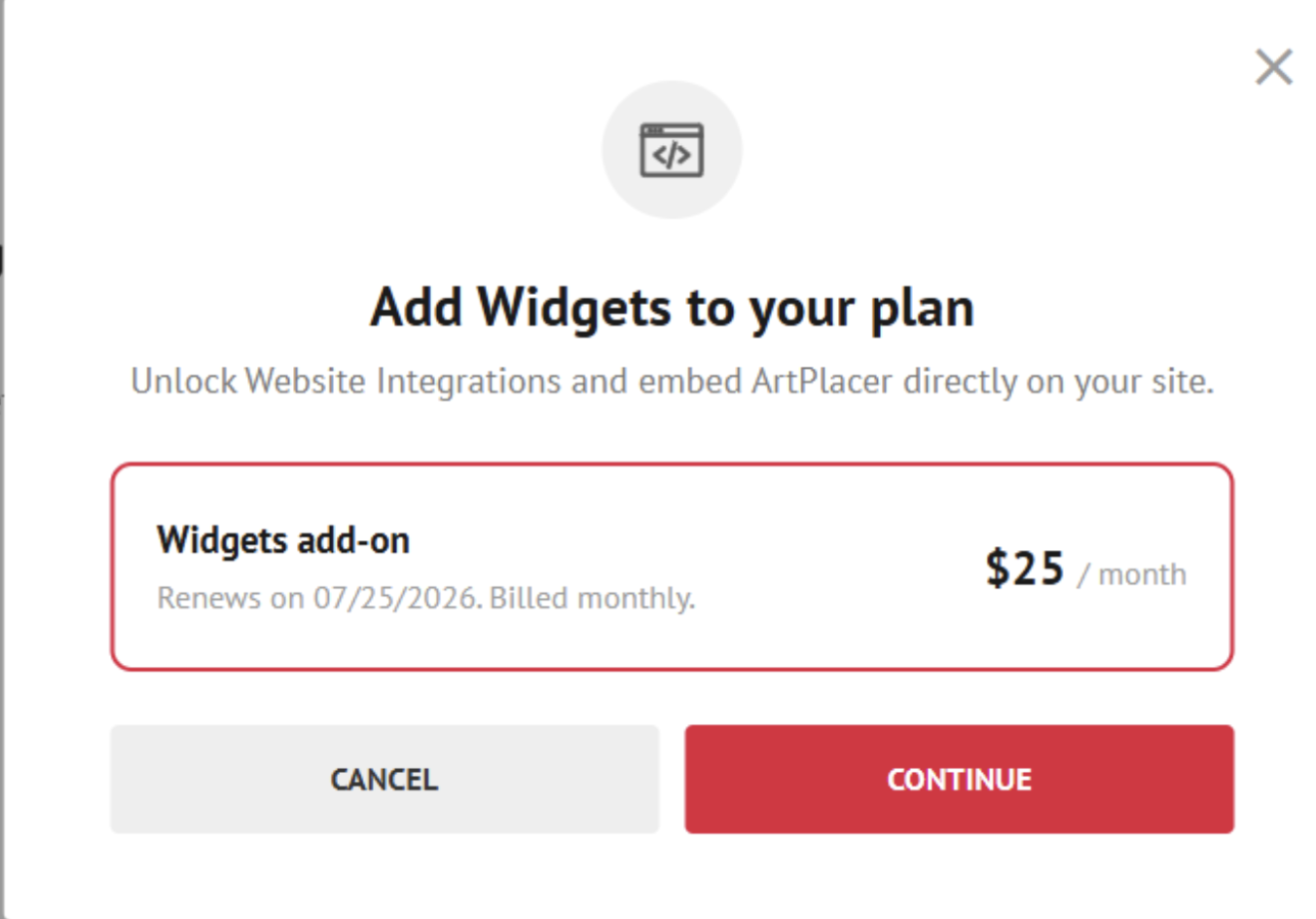
When you try to use the Widgets feature, a window will appear inviting you to add Widgets to your plan for $25 / month.
- Catalog add-on (Plus plan)
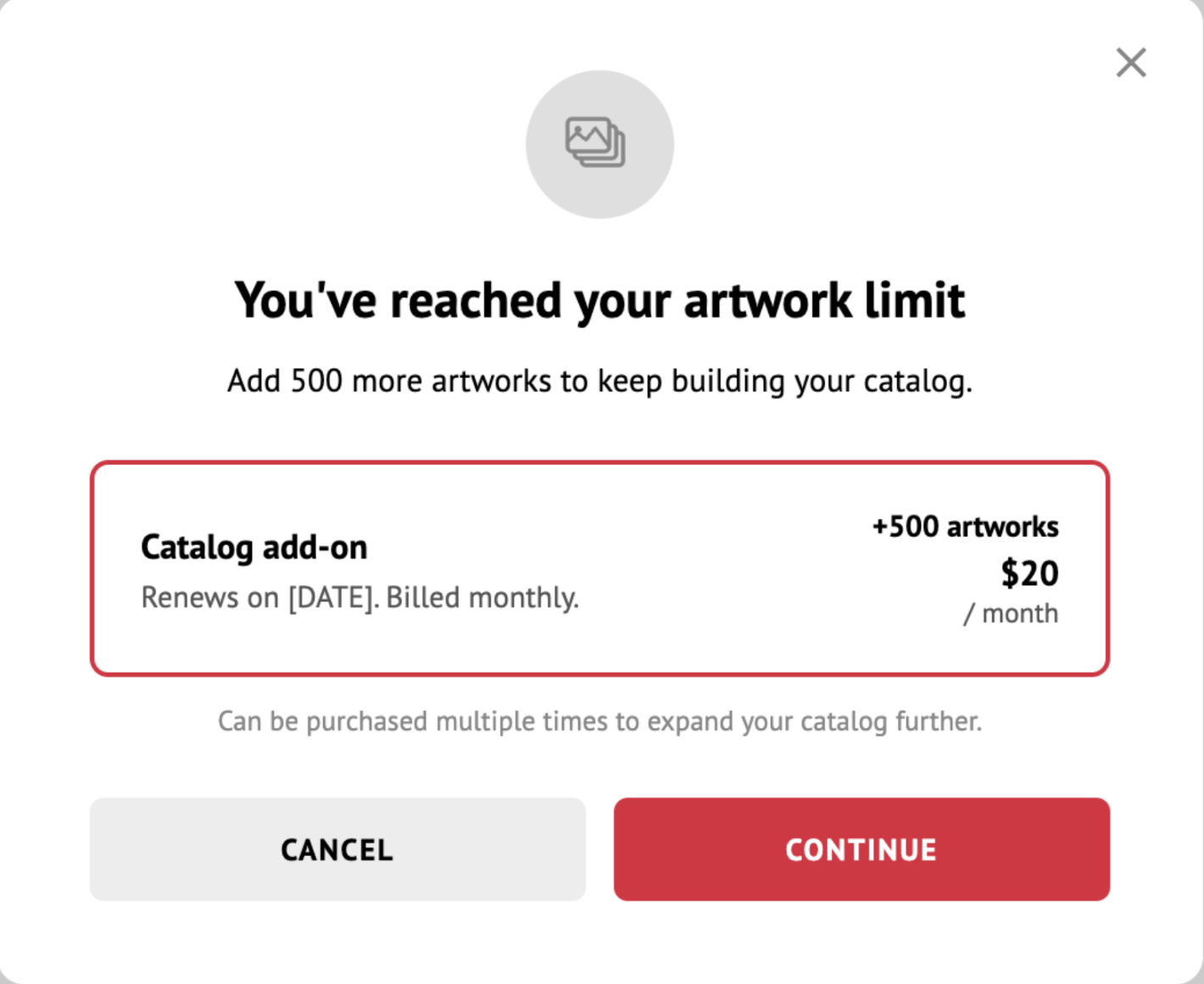
When you reach your artwork limit, a window will appear offering the Catalog add-on: +500 artworks for $20 / month.
- Personal Spaces add-on (Plus plan)
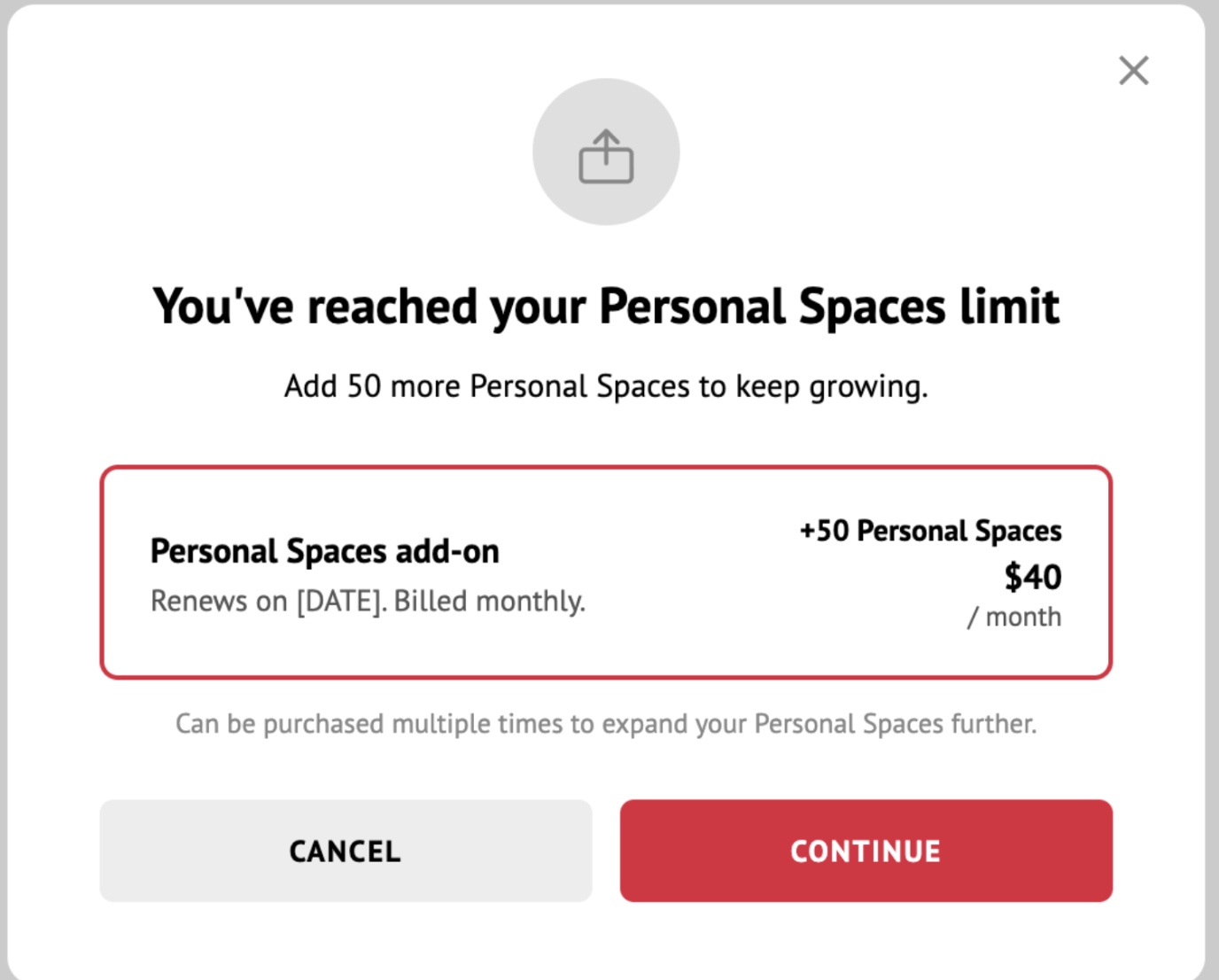
When you reach your Personal Spaces limit, a window will appear offering the Personal Spaces add-on: +50 Personal Spaces for $40 / month.
Steps to complete the purchase
- On the add-on window, click CONTINUE.
- Finalize the payment on the next step.
- Once the payment is successful, the extra quota or feature becomes active immediately. You'll see a confirmation message on your screen.
~ Note: At the moment of purchase, you'll be charged a prorated amount based on where you are in your billing cycle. After that, the add-on is billed together with your subscription on your regular billing date.
Where to see your active add-ons
All your active add-ons are listed on your Account & Billing page, in the Add-ons section.
There you'll find:
- The name of each add-on.
- Its price.
- Its expiration date (if applicable).
How to cancel an add-on
- Click on your username and go to Account & Billing.
- Scroll down to the Add-ons section.
- Click the "X" next to the add-on you'd like to cancel.
When you cancel:
- The add-on stays active until your next billing date.
- After that date, the extra quota or feature returns to your base plan level.
- You'll receive an email confirming the cancellation.
~ Note: If your usage exceeds your base plan's limits after the add-on expires (for example, if you have more artworks than your plan allows), the excess content will be blocked.
Can I purchase the same add-on more than once
Yes, the Catalog add-on and the Personal Spaces add-on can be purchased multiple times. Each purchase adds its quota on top of the previous one.
The Widgets add-on can only be purchased once.