Table of Contents
Downloading your Art Show Planner designs is the perfect way to prepare for your upcoming exhibition. It allows you to visualize your booth layout, share your setup ideas with your team, or even feature your show preview on your website and social media before the event.
You can also print your layout, so you have a paper copy at hand on setup day.
How To Download Your Art Show Planner
- To open this section, go to Sidebar > My Creations, and then click on Art Show Planner.
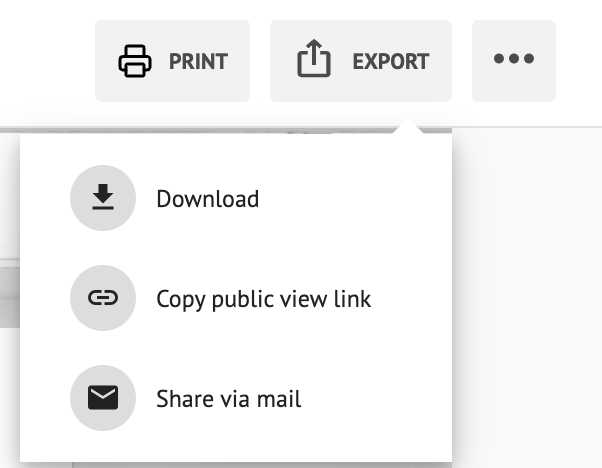
- In the top-right corner of the screen, click EXPORT.
- From the dropdown, select Download.
- A banner will appear where you can select your preferred download size before saving the file.You can choose from preset sizes (Small, Medium, Large, Full size) or enter a custom size to fit your exact needs.
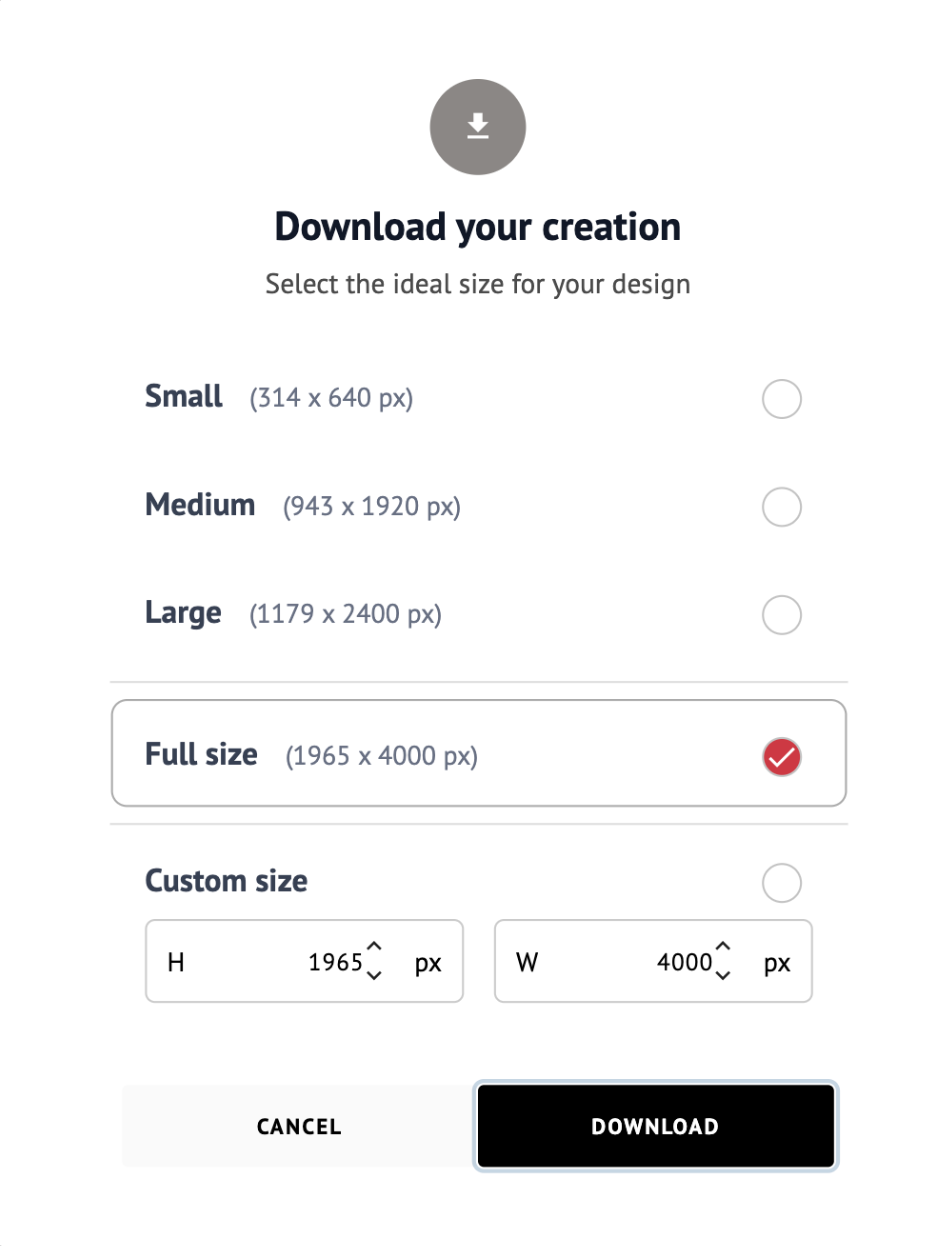
- Click Download to save your design to your device.
Tip: To download an Art Show Planner that you already saved, read How To Download My Designs.
How To Print Your Art Show Planner
Need a paper copy of your layout? You can print your Art Show Planner or save it as a PDF.
- To open this section, go to Sidebar > My Creations, and then click on Art Show Planner.
- Next to EXPORT, click PRINT.
- Your browser’s print window will open. From there, you can:
- Send the layout to your printer, or
- Choose Save as PDF to keep a digital copy.
- Check that the page is set to landscape (horizontal), and then confirm.
What will be printed?
Everything fits on one landscape page:
- Your walls, with their colors
- Your artworks
- The measurement lines of all your artworks at once, so you can see the distances around every piece
The background image, titles, and editing controls are not printed.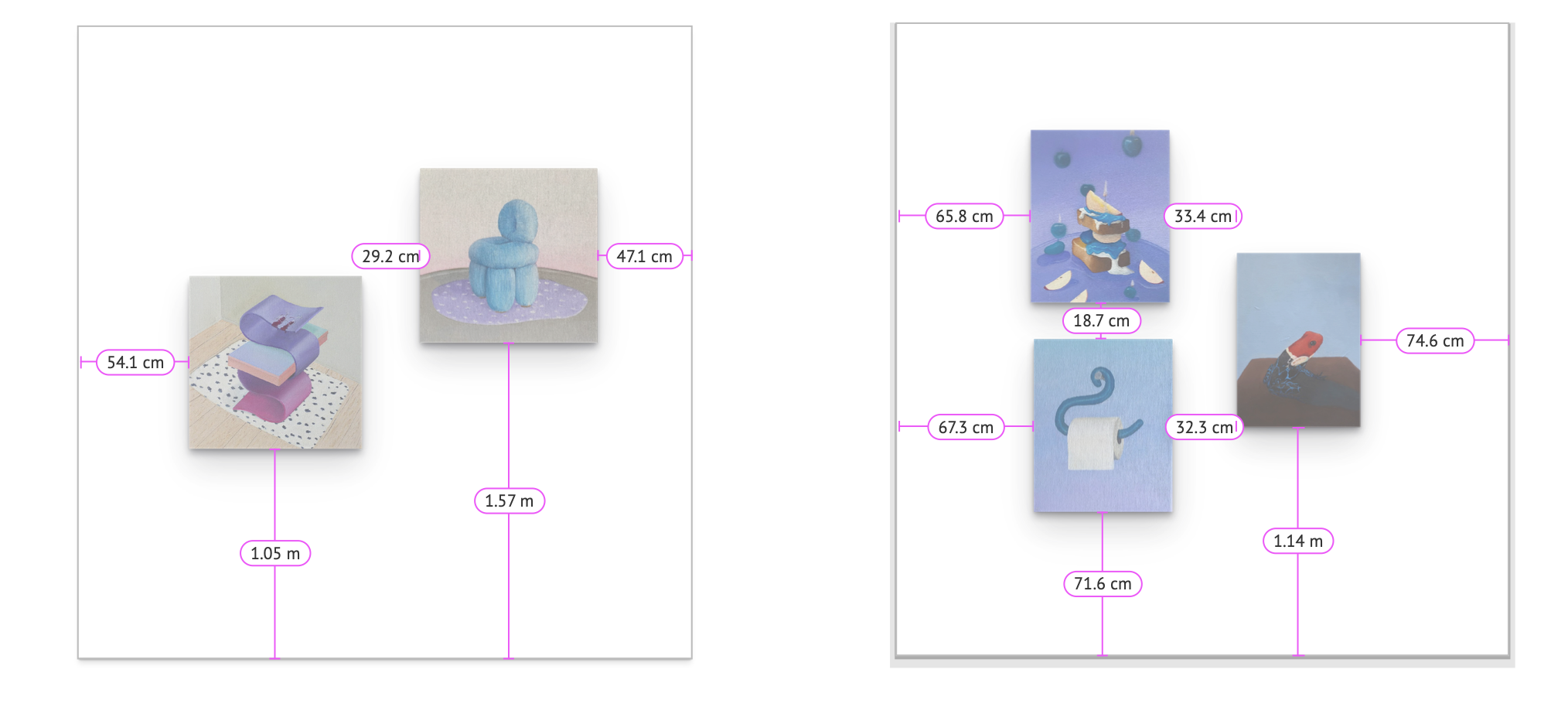
Notes:
Your walls are printed with a thin gray outline so they are easy to tell apart on white paper.
The measurements are shown in the unit set in your account (feet and inches, or centimeters and meters).