When you finish placing an Artwork in a Personal Space, you can download it.
Downloading your design takes just a few clicks, so you can share them on social media, feature them on your website, or upload them to your online shop.
Simply follow these steps:
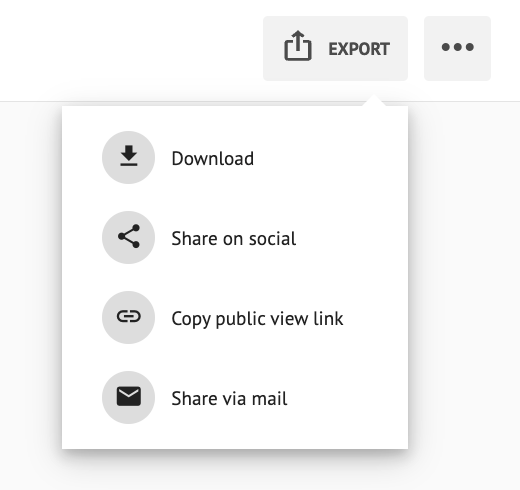
- Hit the EXPORT button (top right corner).
- Click Download.
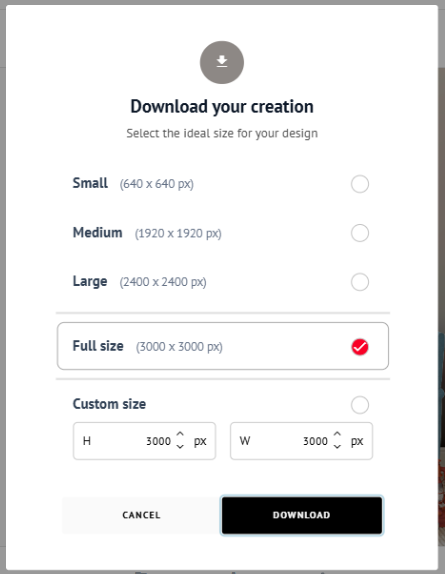
- You can choose from preset sizes (Small, Medium, Large, Full size) or enter a custom size to fit your exact needs.
To download the Personal Spaces you saved, read How to Download Your Designs.