When you finish placing an Artwork in a Personal Space, you can save it as a Design. Saved designs are stored in the Designs section, so you can easily return to them later and continue working or make adjustments anytime.
To do so, follow these steps:
Open the menu in the top right corner of the page.
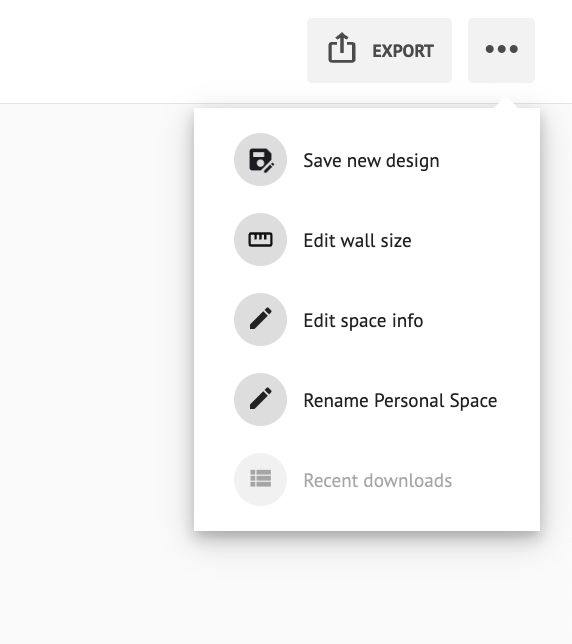
Click Save New Design.
Add a title in the pop-up that appears and click SAVE.
You can find the Personal Spaces you saved in the My Designs Section.