Table Of Contents
- Share Your Exhibition
- Share via Public Link
- Share via QR Code
- Where You Can Share Your Link or QR Code
- Embed on Your Website
Share Your Exhibition
Once your exhibition is live, you can share it with visitors using a public link or a QR code.
Both options allow anyone to explore and navigate your exhibition online, making it easy to showcase your work to collectors, clients, and art lovers worldwide.
Share via Public Link
Go to the Virtual Exhibitions section.
Open the Live tab.
Locate the exhibition you’d like to share.
Click Share.

Click Copy to copy the exhibition link to your clipboard.
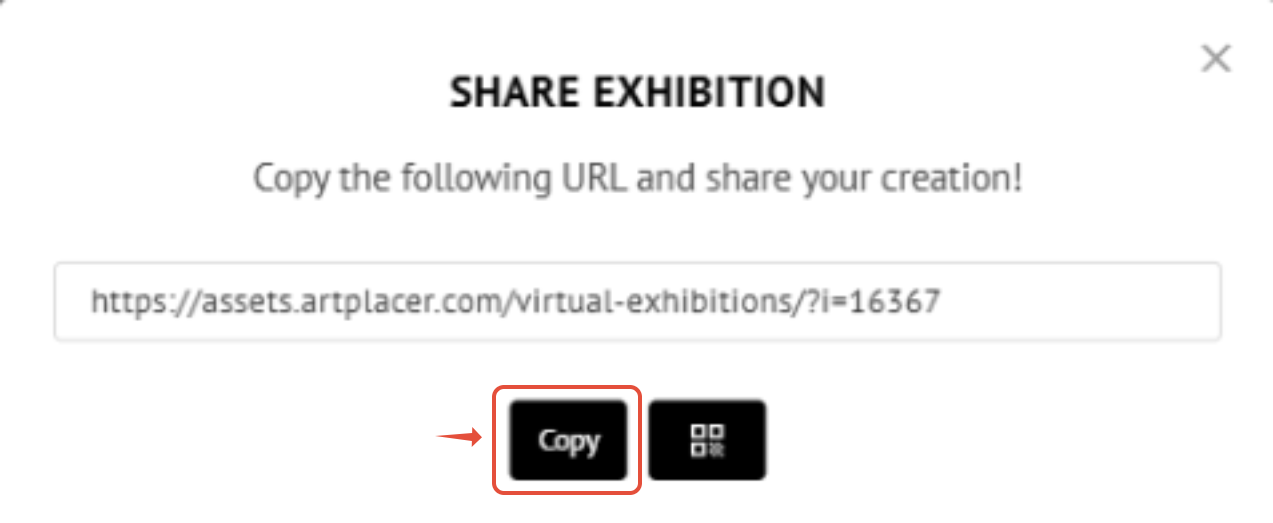
You can then paste the link anywhere you’d like to promote your exhibition.
Share via QR Code
Go to the Virtual Exhibitions section.
Open the Live tab.
Locate the exhibition you’d like to share.
Click Share.

Select QR Code.
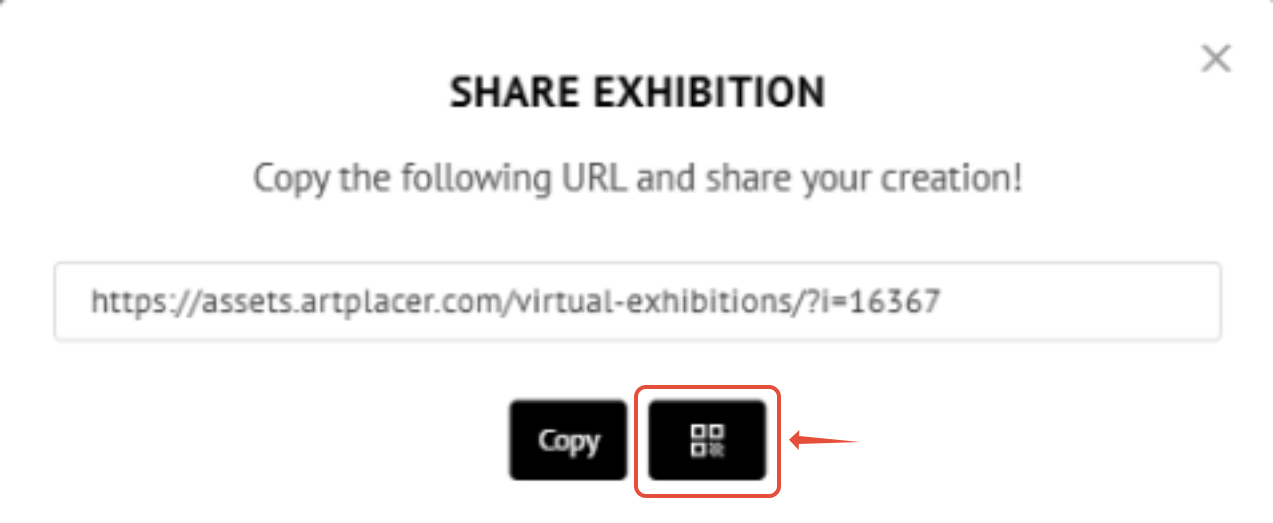
From here, you have two options:
- Click Print to save the QR code as a PDF, which you can print or share digitally.
- Right-click on the QR code to save it as an image to your device.
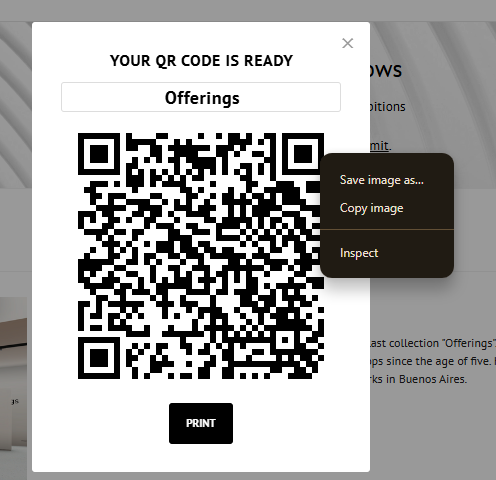
QR codes are ideal for physical spaces, printed materials, or quick access during events.
Where You Can Share Your Link or QR Code
Emails and newsletters
Social media posts and profiles
Direct messages to clients or guests
Printed materials (posters, flyers, invitations)
Embed on Your Website
In addition to sharing a public link or QR code, you can also embed your exhibition directly on your website. This allows visitors to experience your exhibition seamlessly without leaving your page.
[Learn more about embedding here.]