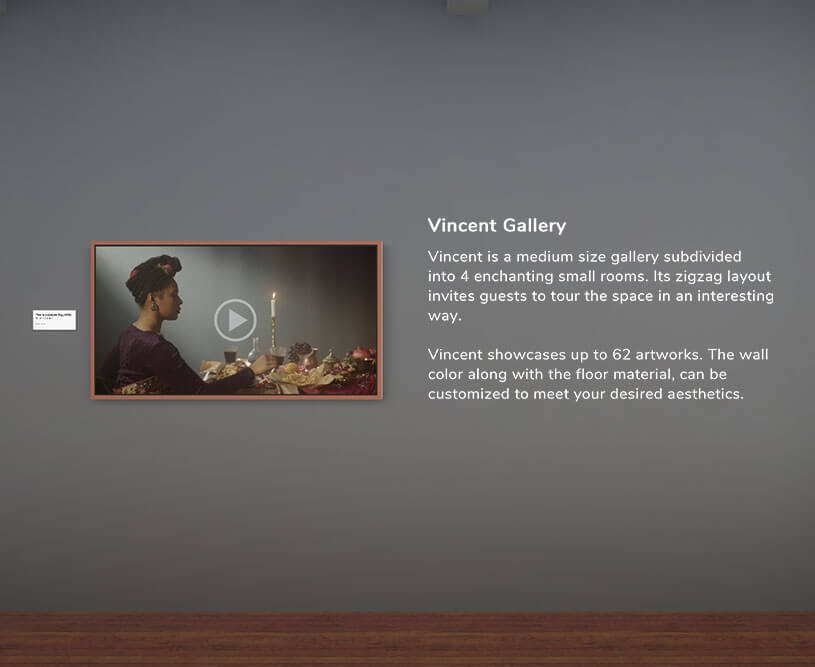
Currently, ArtPlacer does not provide a direct option to add text into exhibitions. However, there is a simple workaround you can use: uploading your text as an image with a transparent background.
This method allows you to place text on your exhibition walls just like an Artwork.
Note: Each text image will occupy an Artwork slot, so make sure you have one available.
Table of Contents
- 1. Create Your Text
- 2. Save as an Image
- 3. Upload as an Artwork
- 4. Remove the Background
- 5. Add the Text to Your Exhibition
Step-by-Step Guide
1. Create Your Text:
Write the text in a word processor or presentation tool.
Tip: We recommend Google Slides for flexibility and ease of export.
2. Save as an Image
Export or save your text as a PNG file.
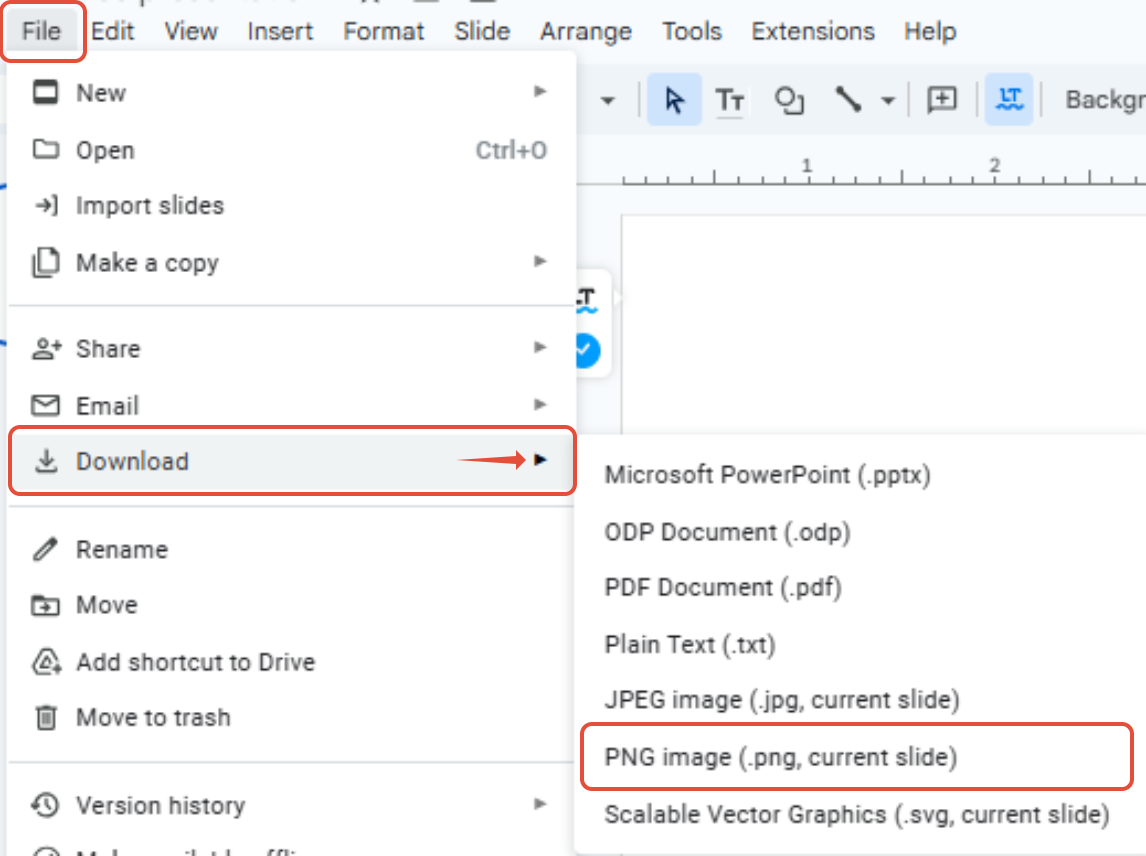
- In Google Slides: File > Download > PNG Image
3. Upload as an Artwork
- Go to the Artworks section in your dashboard.
- Click (or tap) UPLOAD ARTWORKS and select Upload Single Artwork.
- Click UPLOAD ARTWORK IMAGE and select your PNG file.
- Enter a TITLE and a HEIGHT, and make sure the TYPE is 2D Artwork or Sculpture.
4. Remove the Background
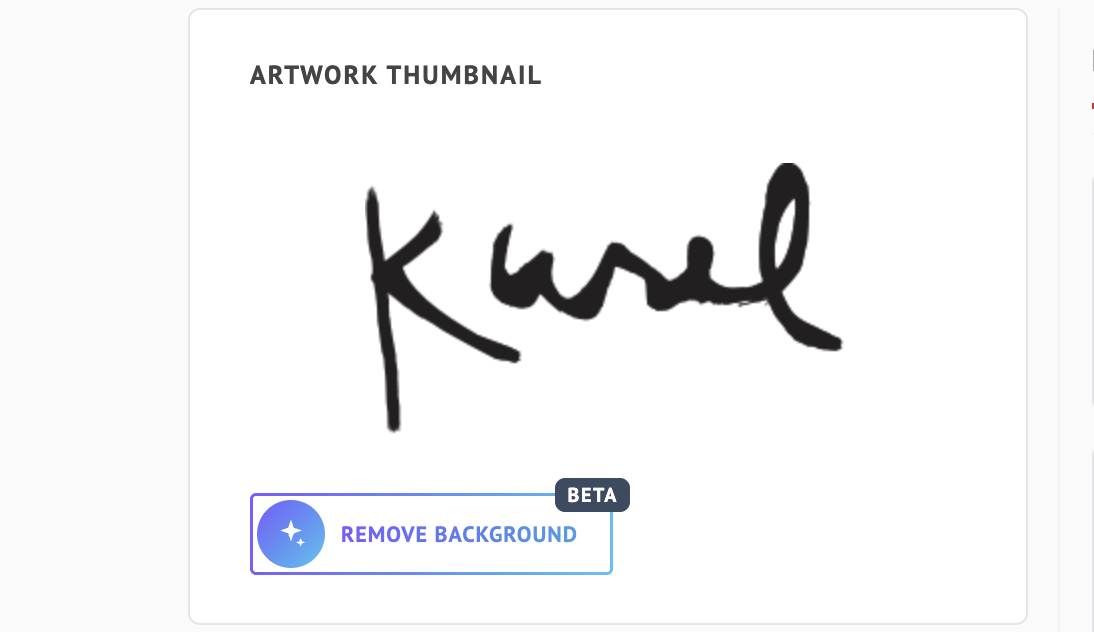
Once your image is uploaded, click REMOVE BACKGROUND (Beta). The background is cut out with one click, so only your text remains, and you’ll see the message “Background removed”.
If you don’t like the result, click Undo to go back to your original image.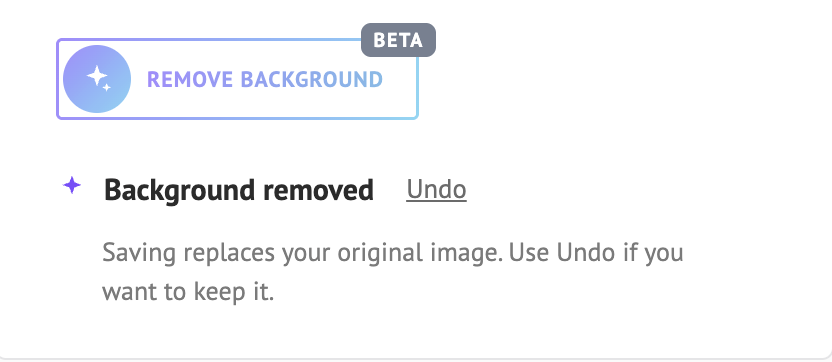
Important: Saving replaces your original image. Use Undo before saving if you want to keep it.
When you’re happy with the result, click SAVE ARTWORK.
Tip: If you’re not happy with the result, you can also use another background remover of your choice, and then upload the transparent file to ArtPlacer.
5. Add the Text to Your Exhibition
- Open the Virtual Exhibitions section.
- Enter the edit page of your chosen exhibition.
- Add the text image to a wall slot, just as you would add an Artwork.
- From the side panel, adjust the position: resize, center and align as needed.
Result
Your text will now appear seamlessly in your exhibition, as if it were part of the environment. This makes it possible to add labels, quotes or descriptions directly on the walls for your visitors to experience.