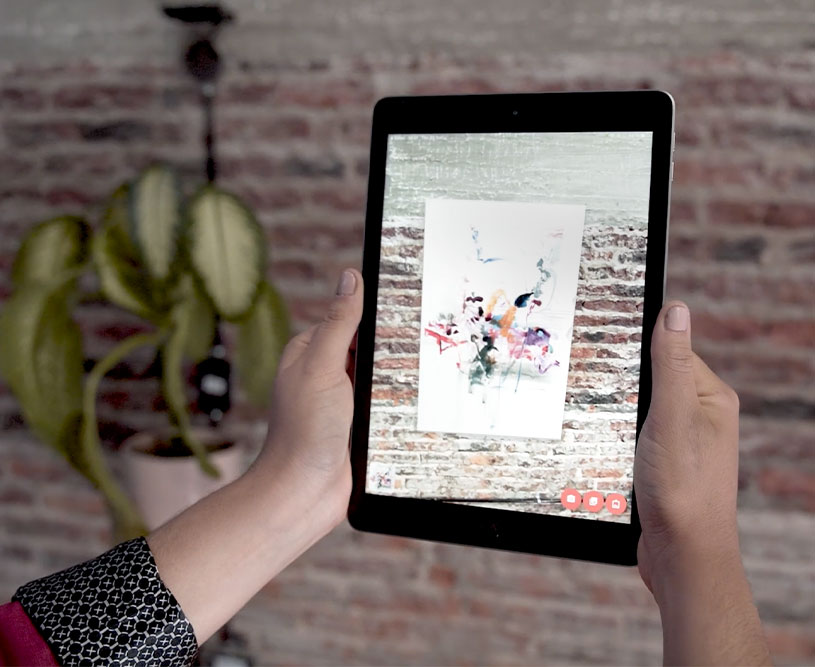
With Augmented Reality (AR), visitors can use their mobile device’s camera to preview an Artwork in their own space directly from your Virtual Exhibition. This makes the experience more interactive and helps potential buyers visualize how the Artwork will look in their home.
Enable or Disable the AR Button
- To begin, open the Virtual Exhibition section by going to Sidebar > My Creations > Virtual Exhibitions.
- Head to the exhibition you’d like to update and click Edit.
- Scroll to the very bottom of the settings page.
- Toggle the Augmented Reality Button to enable or disable the feature.

Once enabled, visitors will have the option to see the Artworks in their own space, creating a more personal and immersive exhibition experience.
Head to this article to learn How To Use the Augmented Reality Widget on a Virtual Exhibition.