Yes! ArtPlacer allows you to upload Artworks of any shape, including round Artworks and sculptures.
To make sure your Artwork displays correctly, follow these steps:
- Go to the Artworks section, click (or tap) UPLOAD ARTWORKS and select Upload Single Artwork.
- Click UPLOAD ARTWORK IMAGE and select your file.
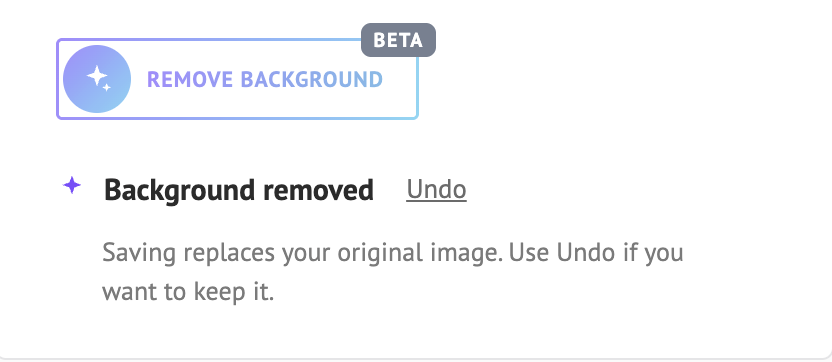
- Click REMOVE BACKGROUND (Beta). The background is cut out with one click, so only your piece remains, and you’ll see the message “Background removed”.

- If you don’t like the result, click Undo. Saving replaces your original image, so use Undo before saving if you want to keep it.
- Choose the TYPE of your Artwork (for example, Sculpture for a sculpture), enter a TITLE and a HEIGHT, and click SAVE ARTWORK.
Remove background (Beta) is available for 2D Artwork and Sculpture, but not for GIF files.
Tip: If you’re not happy with the result, you can also use another background remover of your choice, and then upload the transparent file to ArtPlacer.
For the full step-by-step guide, see How To Upload Artworks of Different Shapes (Round, Sculptures, etc.).