When you place an artwork in a Room Mockup, ArtPlacer adjusts the scale and perspective automatically.
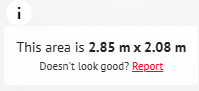
If you consider that automatic adjustment not to be accurate, you can report it.
Hover over the room image and click Report on the information icon.
On the popup that appears, describe the issue and click Report
The ArtPlacer support team then contacts you to help you solve the issue.