For visitors to find your gallery or Discover Profile on ArtPlacer, they should follow these steps:
Access https://discover.artplacer.com/.
On the top right corner of the page, click or tap GALLERIES.
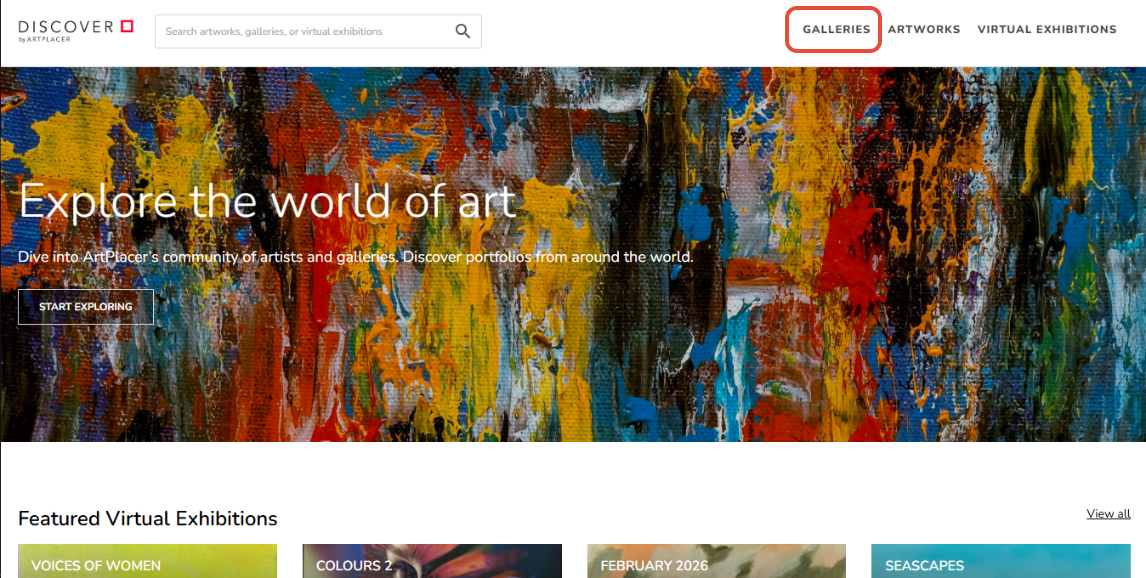
Scroll down to browse galleries. Use the search bar to search by keyword and sort results by title or creation date in ascending or descending order.
Click or tap on a gallery to open its Profile, where they can read a description, browse through Artworks, and visit Virtual Exhibitions.
Here are some examples of ArtPlacer users’ profiles on the Discover Website, so you can see how your own gallery might look to visitors: