To indicate the size of your Artworks, you can use the metric system (centimeters) or the imperial system (inches).
To change the system of measurement for your artworks from your computer:
In the top-right corner of your ArtPlacer Dashboard, click your username and select SETTINGS.
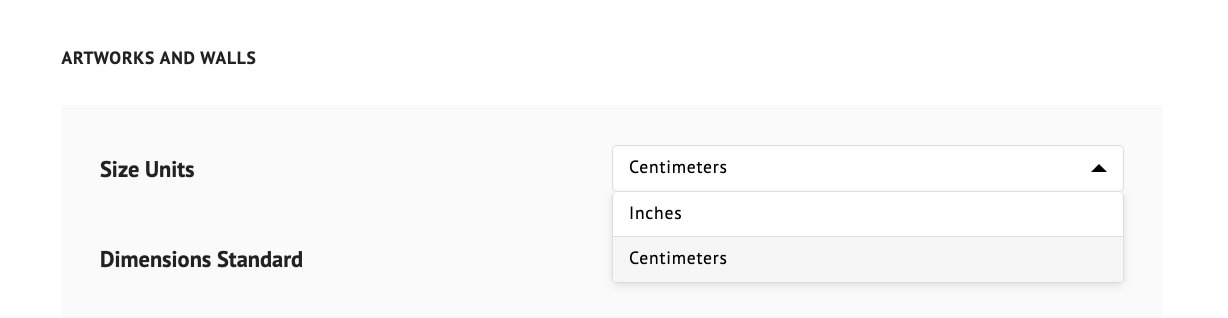
In SIZE UNITS, select Inches or Centimeters.
Click SAVE SETTINGS.
Note: The changes you make to the SIZE UNITS setting affect all measurements across the ArtPlacer platform, not only Artworks.